!
Production integration docs · examples use router-api.mengbi-ai.net and a personal API key placeholder.
01 /
Prepare
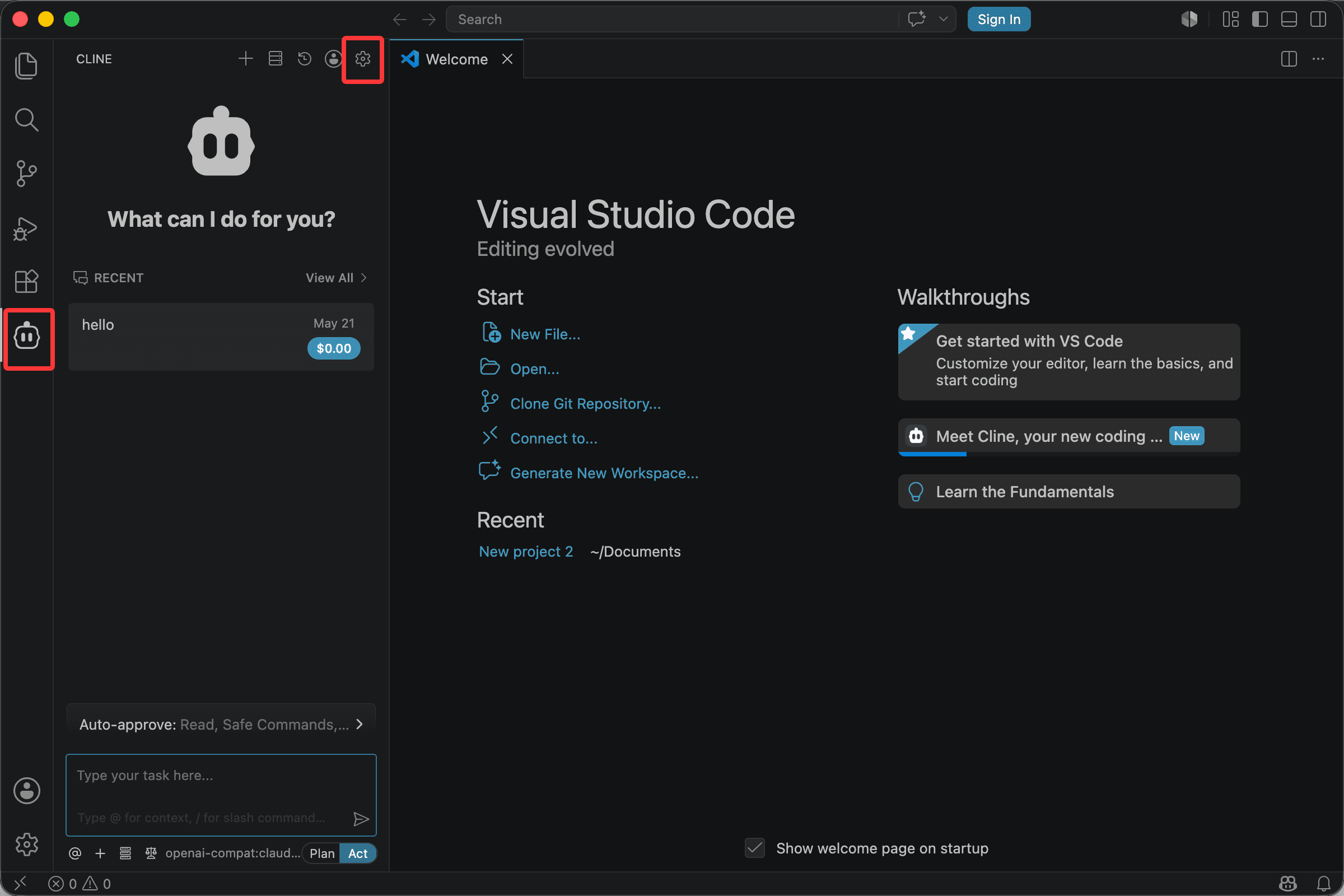
Prepare VS Code + Cline with a personal Mengbi Router key and a current model ID.
Prepare 1
- Install the latest stable VS Code + Cline release.
- Create a personal Mengbi API key in the console.
- Copy the exact model ID from the model catalog.
02 /
Configure
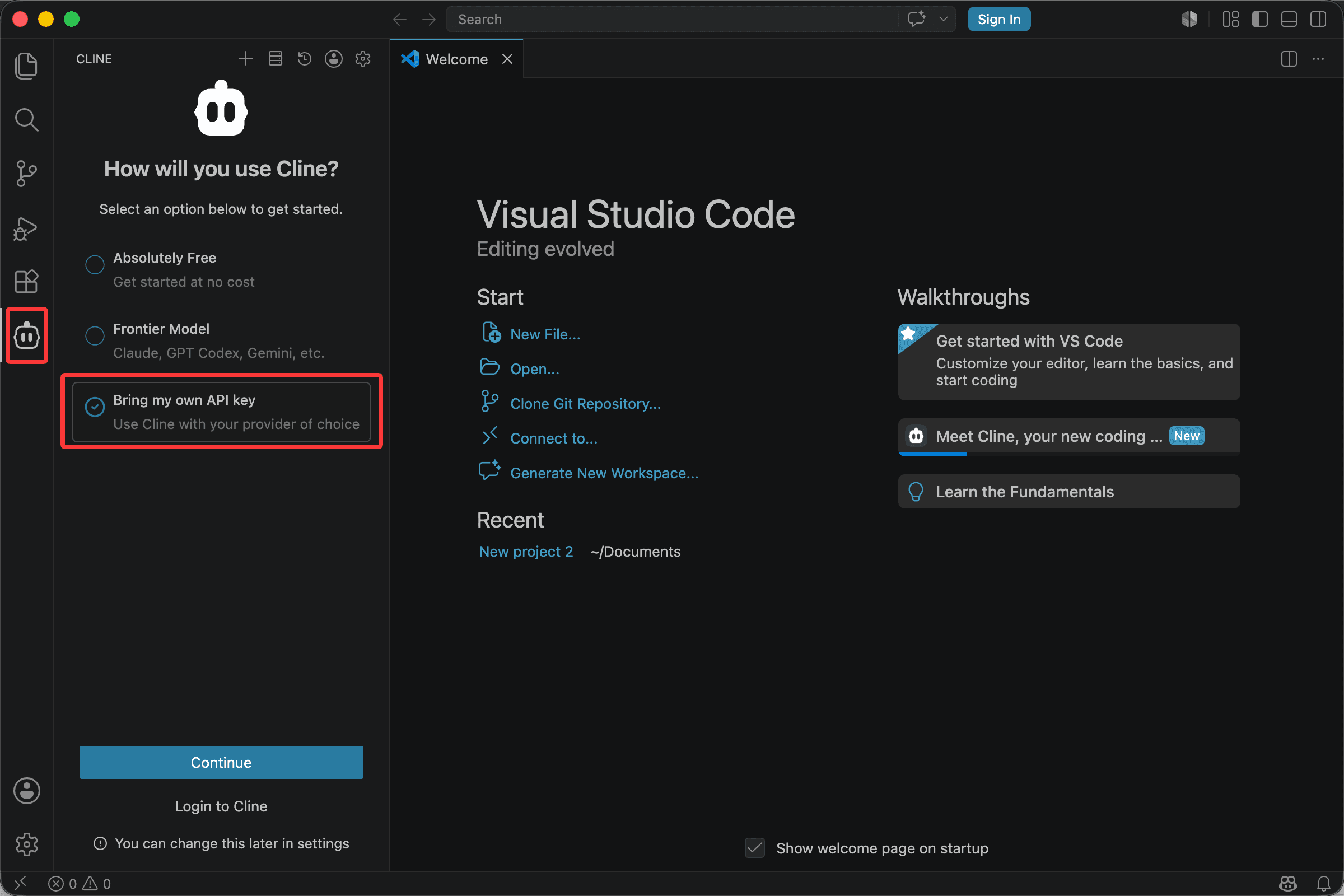
Connect VS Code + Cline to the endpoint that matches its supported protocol.
Configure 1
Use the VS Code + Cline configuration supported by your current installation.
Base URL: https://router-api.mengbi-ai.net/v1
API Key: sk-mengbi-xxxxxx
Model ID: gpt-5.6-sol
Configure 2
Configure 3
Use the VS Code + Cline configuration supported by your current installation.