!
Production integration docs · examples use router-api.mengbi-ai.net and a personal API key placeholder.
01 /
Prepare
Prepare Claude Code with a personal Mengbi Router key and a current model ID.
Prepare 1
Use the Claude Code configuration supported by your current installation.
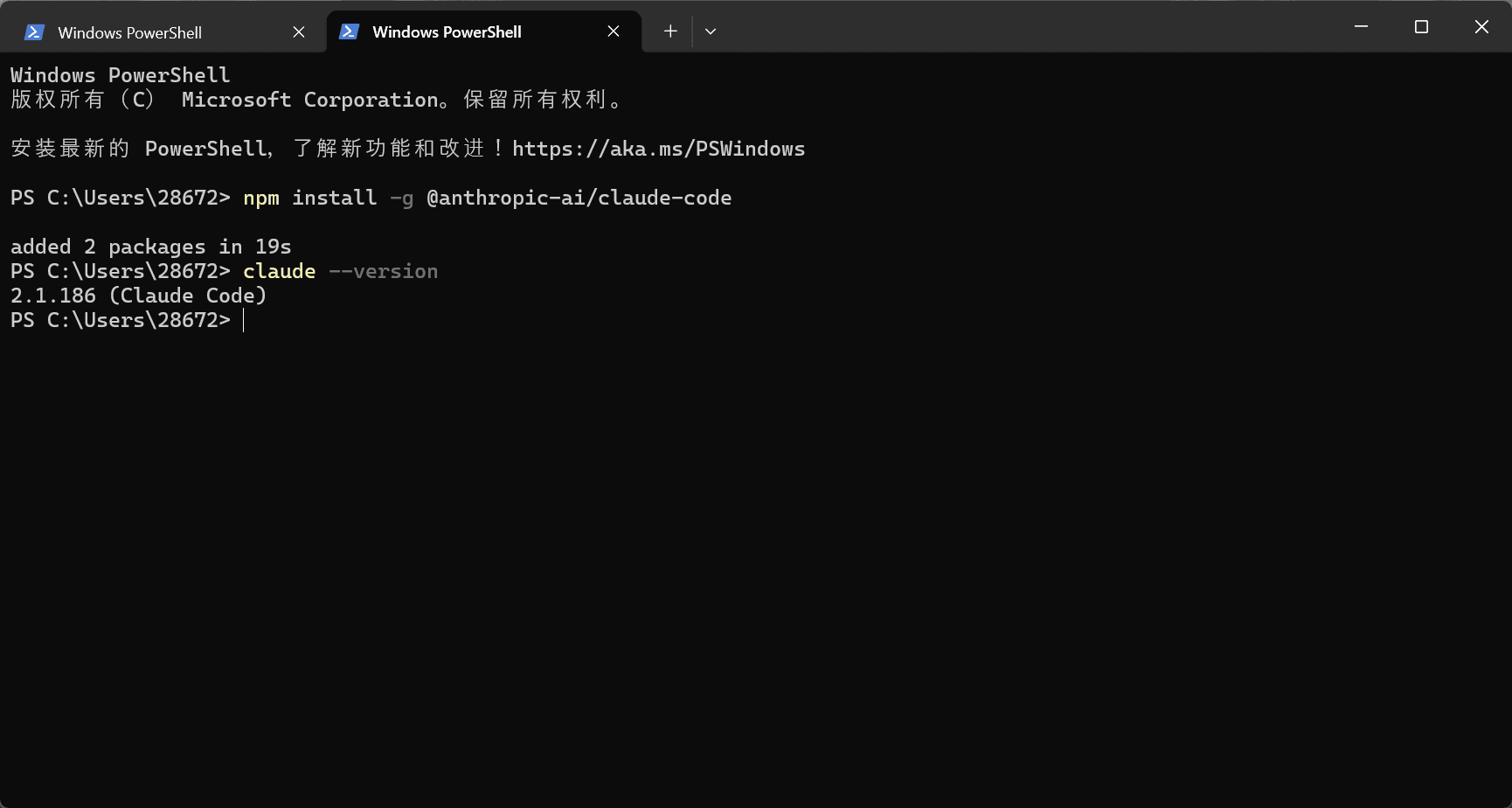
npm install -g @anthropic-ai/claude-code
claude --version
Prepare 2
02 /
Configure
Connect Claude Code to the endpoint that matches its supported protocol.
Configure 1
Use the Claude Code configuration supported by your current installation.
export ANTHROPIC_AUTH_TOKEN="sk-mengbi-xxxxxx"
export ANTHROPIC_BASE_URL="https://router-api.mengbi-ai.net"
export ANTHROPIC_MODEL="claude-sonnet-5"
export CLAUDE_CODE_SUBAGENT_MODEL="claude-sonnet-5"
Configure 2
Use the Claude Code configuration supported by your current installation.
NoteClient configuration fields can change between versions. Prefer the documented OpenAI-compatible or native provider setting.
03 /
Verify
Send a small request and check the key, endpoint, and model if it fails.
Verify 1
- Install the latest stable Claude Code release.
- Create a personal Mengbi API key in the console.
- Copy the exact model ID from the model catalog.